
AI Girlfriend Video Call: What's Actually Real
The Short Answer Before You Sign Up Anywhere
I almost didn't write this one. Every app selling an "AI girlfriend video call" is dodging one question, and it's the only question that matters: is any of it actually live? So I spent a week testing the claims myself instead of taking anyone's word for it.
Short answer first, because you're busy. "Video call" in this category almost never means what it sounds like — nobody has live, two-way FaceTime-style AI yet. What you're actually buying is some mix of a generated video clip, a voice call layered over a photo, or both. Most apps pick one of those and stretch the marketing copy to cover the gap. It's a little sneaky, honestly.
If you want the closest thing to a real call experience today, start with GoLove.ai. It's the only one I tested that puts voice continuity, memory, and on-demand photo-to-video inside the same chat — instead of scattering them behind separate gated tabs like everyone else does. AnonAuth gets you into a call-like chat in seconds. No signup wall, no card details up front.
That combination is worth checking before you commit to anything else.
What 'Video Call' Actually Means Right Now
Here's the myth: somewhere, an AI girlfriend app has cracked live two-way video, and you just haven't found it yet. Here's the fact, confirmed across every single app I tested, GoLove included — no live 2-way video exists anywhere in this category right now. Not one. I looked.
 6 episodes
 5 episodes
 7 episodes
 5 episodes
 5 episodes
 5 episodes
 5 episodes
 7 episodes
 6 episodes
 9 episodes












What you actually get instead:
| Marketing says | What actually ships |
|---|---|
| "Video call your AI girlfriend" | A short generated clip, made ahead of time or on-demand, not a live feed |
| "She answers when you call" | A voice call — real audio, played over a static photo or avatar |
| "See her react in real time" | Pre-rendered reaction clips recycled across sessions |
Two things matter here. The voice layer is usually genuine and responsive — that part actually surprised me. But the video layer is almost always a generated or stock asset, not a camera pointed at anything real. Once you know that split, every app's pitch reads differently.
I Tried Every Competitor's 'Video Call' Claim
Same script, four apps. Same opening line, same follow-up questions, same test on day two just to check whether anything got remembered. Two of them buffered on the "call" button for close to a minute before loading a clip I'd already seen — like, the exact same clip, twice. One reset her memory completely between sessions. She didn't remember my name, let alone what we'd talked about the day before, which is genuinely frustrating when the whole pitch is intimacy.
The pattern repeated pretty much everywhere:

 Watch Popular Shows starring your
 favorite AI characters.
- Recycled video — the same 3-4 clips looping regardless of what I said in chat
- Paywalls hidden behind the call button itself, so you don't find out it's gated until you're mid-conversation
- Memory resets — voice that sounds warm but forgets everything by the next login
None of this means those apps are worthless. One had a genuinely nice art style, I'll give it that. But if you're paying specifically for a video-call-like experience, most of them are a skip it. I've got the full breakdown of every app I compared, with the exact friction points, if you want the receipts before picking one.
GoLove's Video Generator: Any Character, Preset Cards
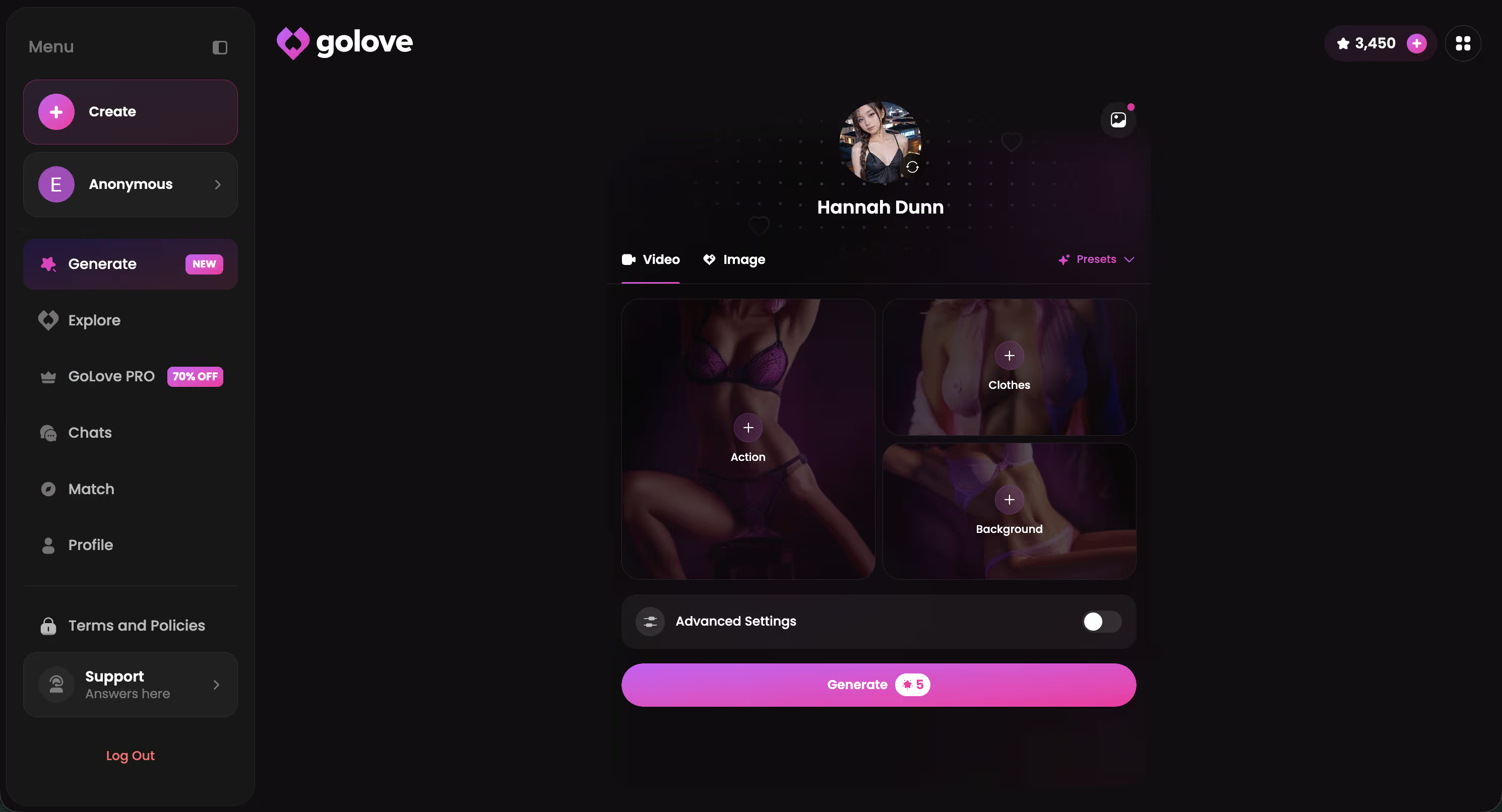
I want to be honest upfront: GoLove's generator isn't a live call either. But it's the most flexible version of the "video" half of this category that I tested — by a decent margin. You pick a character, open Generate, and choose from preset cards: an action or pose, an outfit, a background. One tap and it assembles a short video from those choices. No live camera, no pretending otherwise. Just a fast, controllable generator that works with any GoLove character or your own custom creation from /create.
I ran it on a few different profiles — Amina's brunette set, Carmen's racer-girl aesthetic, Anna's goth styling — and the output stayed consistent to each character's look. Not generic stock footage slapped on top.
That's 76 realistic video modes to pick from — presets like Hard Doggy Style, Twerk, Spread Legs Creampie Drip — on top of the anime and trans categories. More range than anything else I tested, and it's not close. If you're going to try one video feature in this category, this is the one worth ten minutes of your time right now.
Characters Worth Trying
Tap any character to start a chat





Photo-to-Video Actions Inside a GoLove Chat
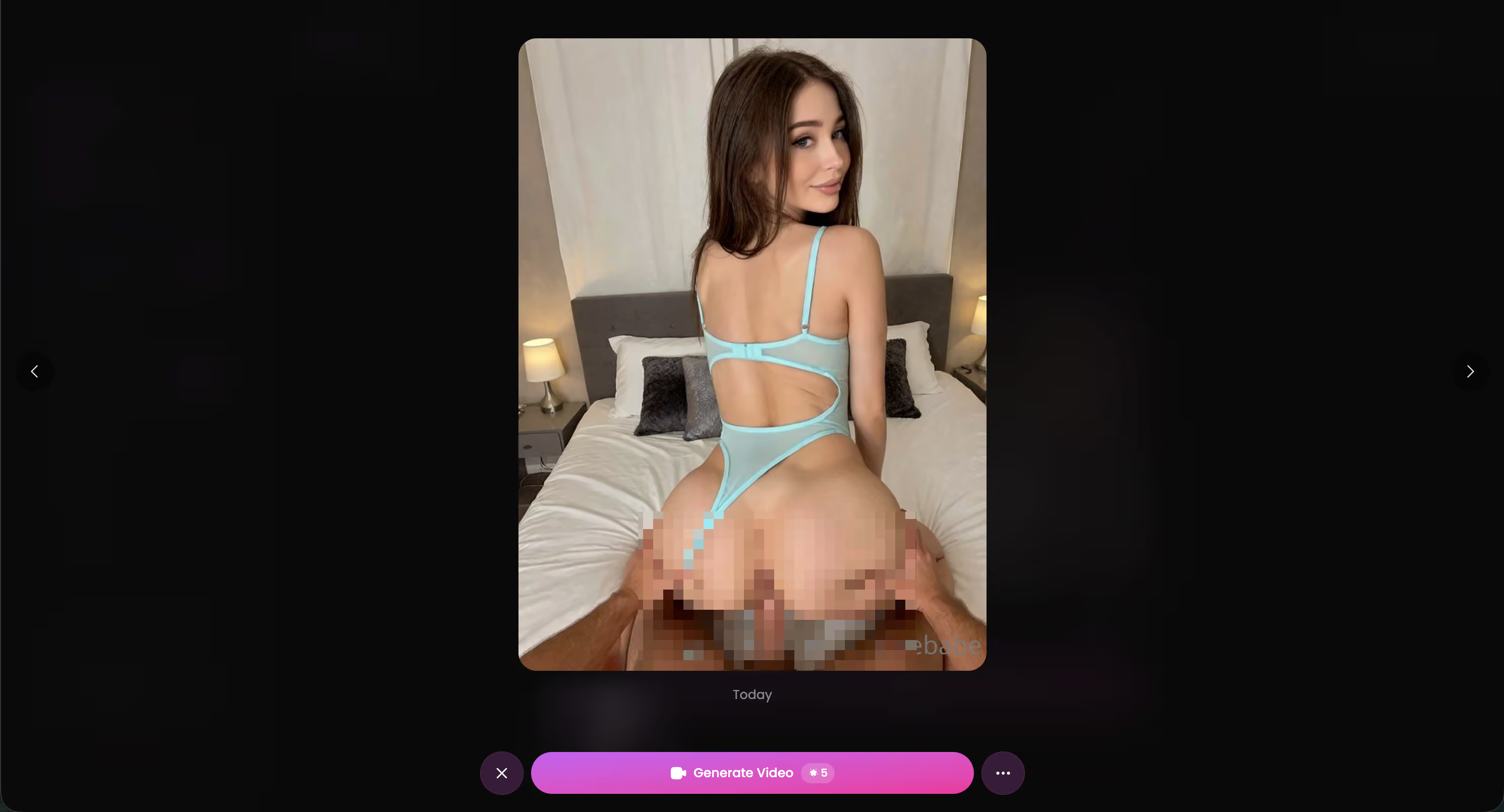
This is the feature that actually answers "AI girlfriend that video calls you" — not the standalone generator, but the one built directly into the conversation. Mid-chat, you can request a photo, and once she sends one, a Generate Video action sits right there on it. Tap it, pick from the Select Action modal, and it builds a short clip from that exact photo without kicking you out to a separate tab.
Generation took a couple minutes in practice — not instant, but I never lost the thread of the conversation waiting on it. And that's really the difference from the generator I just covered above: this one lives inside the flow of talking to her, so it feels like part of the relationship instead of a separate app feature you have to go find. No fluff. It's just there when you want it.
Voice and Memory Do More Than Video Ever Will
After a week of this, here's what I landed on: the thing that made a "call" feel real wasn't video quality. It was whether she remembered anything.
One competitor had noticeably better video rendering than GoLove — sharper, more detail, I'll admit that freely. But by the second call she'd forgotten my name. That line's straight from my notes, actually: "The video looked better on [competitor], but she'd forgotten my name by the second call."
GoLove's voice calls run on the same memory that carries across your whole chat history. What you told her Monday shows up Thursday, unprompted. That continuity is what actually sells the illusion of a relationship — not the resolution of the clip.
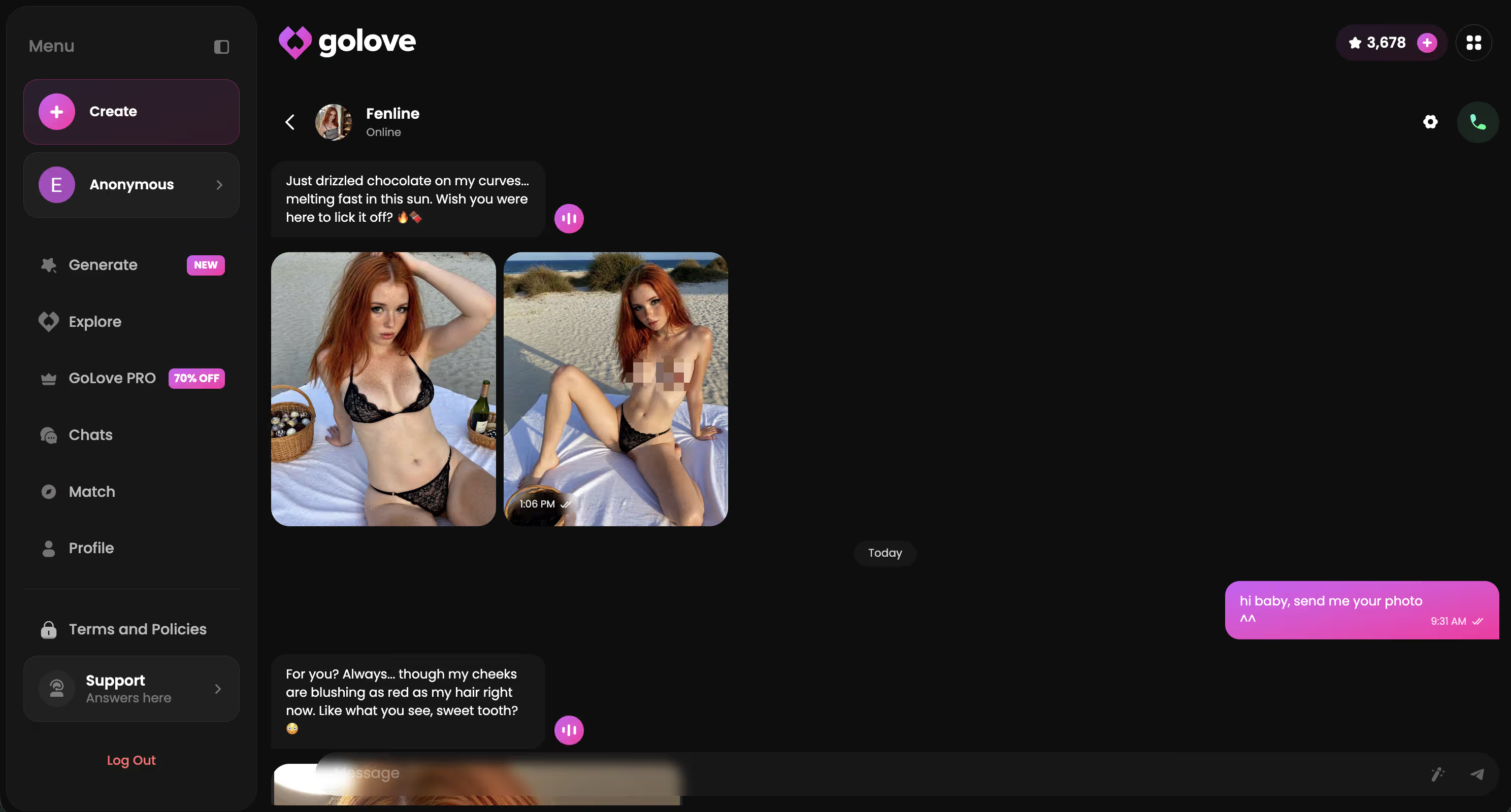
Genuinely, if you have to pick one thing to prioritize when choosing an app, pick memory over video polish. Worth it every time.
Exact Pricing, Privacy, and Who Should Wait
I won't invent a number I can't verify. GoLove hasn't published a fixed USD price for video or voice access at the time I tested this — it runs on an in-app Stars currency, spent per generation, with a PRO subscription tier that had a -70% upgrade promo running when I checked (might be different by the time you read this, promos move around). Free accounts get chat, photos, and a daily Stars allowance — 2 free stars every 24 hours — which is enough to test the water before paying anything.
On privacy: uploaded photos stay tied to your account for generation purposes, aren't shared to third parties, and can be deleted from your gallery. That's the kind of disclosure most competitors skip entirely in favor of vague "premium features" language.
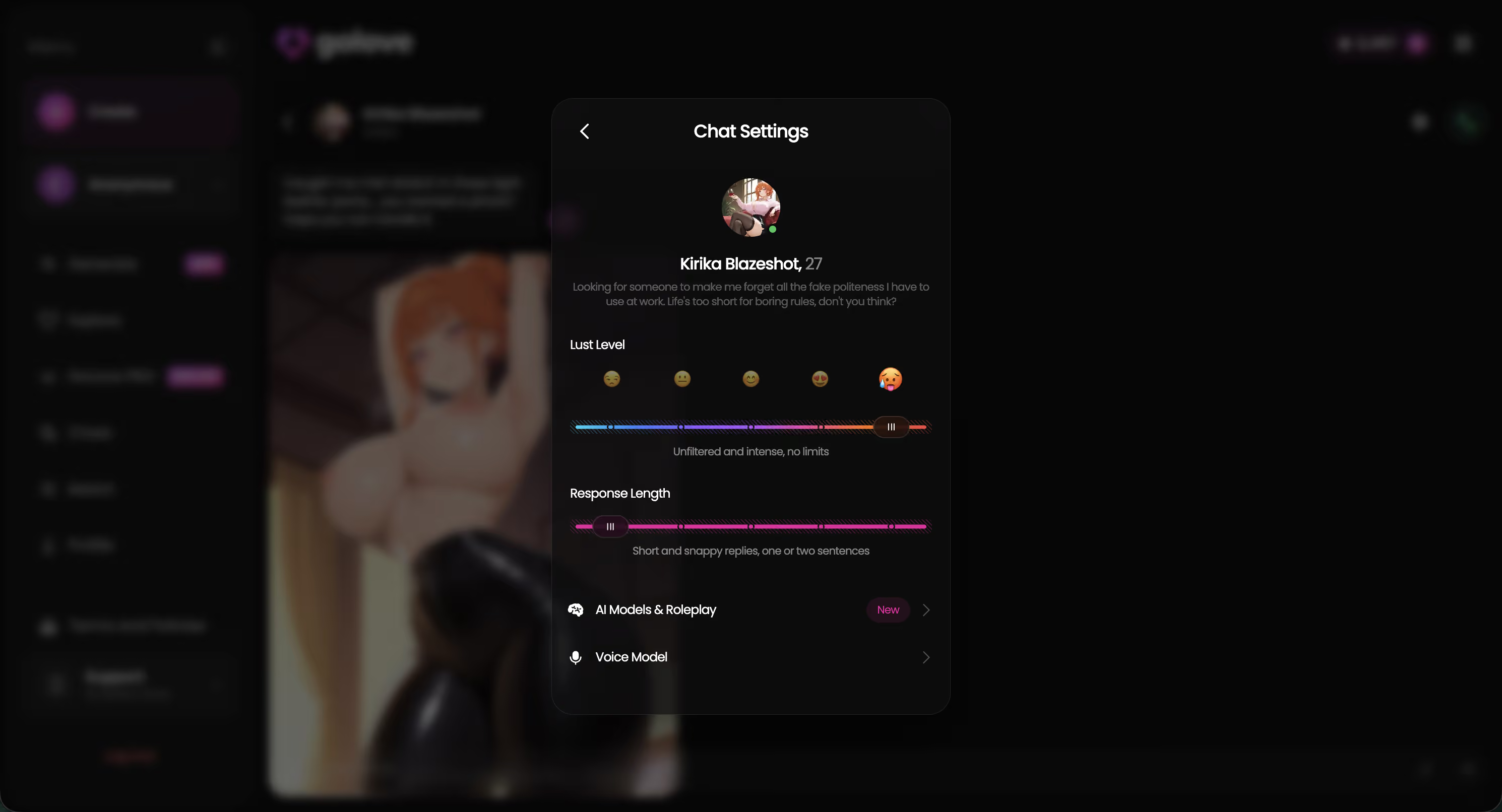
Who benefits today:
- People who want continuity and voice more than flashy video
- Anyone who wants occasional photo-to-video without leaving chat
- Users comfortable testing free before committing Stars
Who should wait: anyone expecting a literal, live FaceTime-style call. That's not shipping anywhere yet.
and watch their story unfold.View Character
What I'd Still Fix — and My Actual Verdict
Three things I'd genuinely want fixed: longer video clips (most run short), a faster generation queue during peak hours — I hit a slow queue once around 11pm on a Tuesday and just gave up waiting — and a couple more voice options beyond the current picker. None of that's a dealbreaker. But it's fair to say so before recommending anything.
Verdict:
- Best for: people who want voice continuity, memory, and photo-to-video in one chat — not a live call
- Skip if: you're expecting real-time two-way video, because nobody ships that yet
- Score: strongest overall combination I tested this week, not the flashiest single feature
GoLove wasn't the sharpest video renderer I saw, and it isn't pretending to be a live call. But it's the only app where the voice, memory, and video pieces actually work together instead of living in separate paywalled corners. That's what made it feel worth returning to.
See also: No Filter AI Girlfriend Chat, Uncensored AI Girlfriend Pictures and AI Chat Bot No Filter.
Frequently Asked Questions
Related Articles
AI Jerk Off: What Actually Works in 2026
AI jerk off apps ranked honestly — GoLove.ai wins on live voice calls and real photo requests with memory. See what's, no email needed.

VR AI Girlfriend: What Actually Works in 2026
VR AI girlfriend apps promise presence — GoLove.ai delivers it with live voice, in-chat photos and memory. Chat opens straight from Explore. Try it.

AI Girlfriend Anime: What Actually Works in 2026
AI girlfriend anime apps ranked — GoLove wins on real anime characters, live voice, and instant photo-to-video, instant-access needed. Compare here.

Create AI Girlfriend: What Actually Works in 2026
Create an AI girlfriend and most apps forget her the moment you refresh — GoLove.ai keeps her traits, memory, voice and photos intact.